Look up.
Your eyes will thank you.
PaceBreak runs quietly in your menu bar and reminds you to follow the 20/20/20 rule: every 20 minutes, look away for 20 seconds. Protect your vision without interrupting your flow.
14-day free trial · No subscription · macOS 14 Sonoma+
The science-backed habit your eyes need.
Every 20 minutes of screen time, look at something 20 feet away for 20 seconds. Recommended by ophthalmologists worldwide to reduce eye strain, headaches, and long-term vision fatigue. Simple in theory. Easy to forget in practice. PaceBreak handles it for you.
Gentle, beautiful reminders
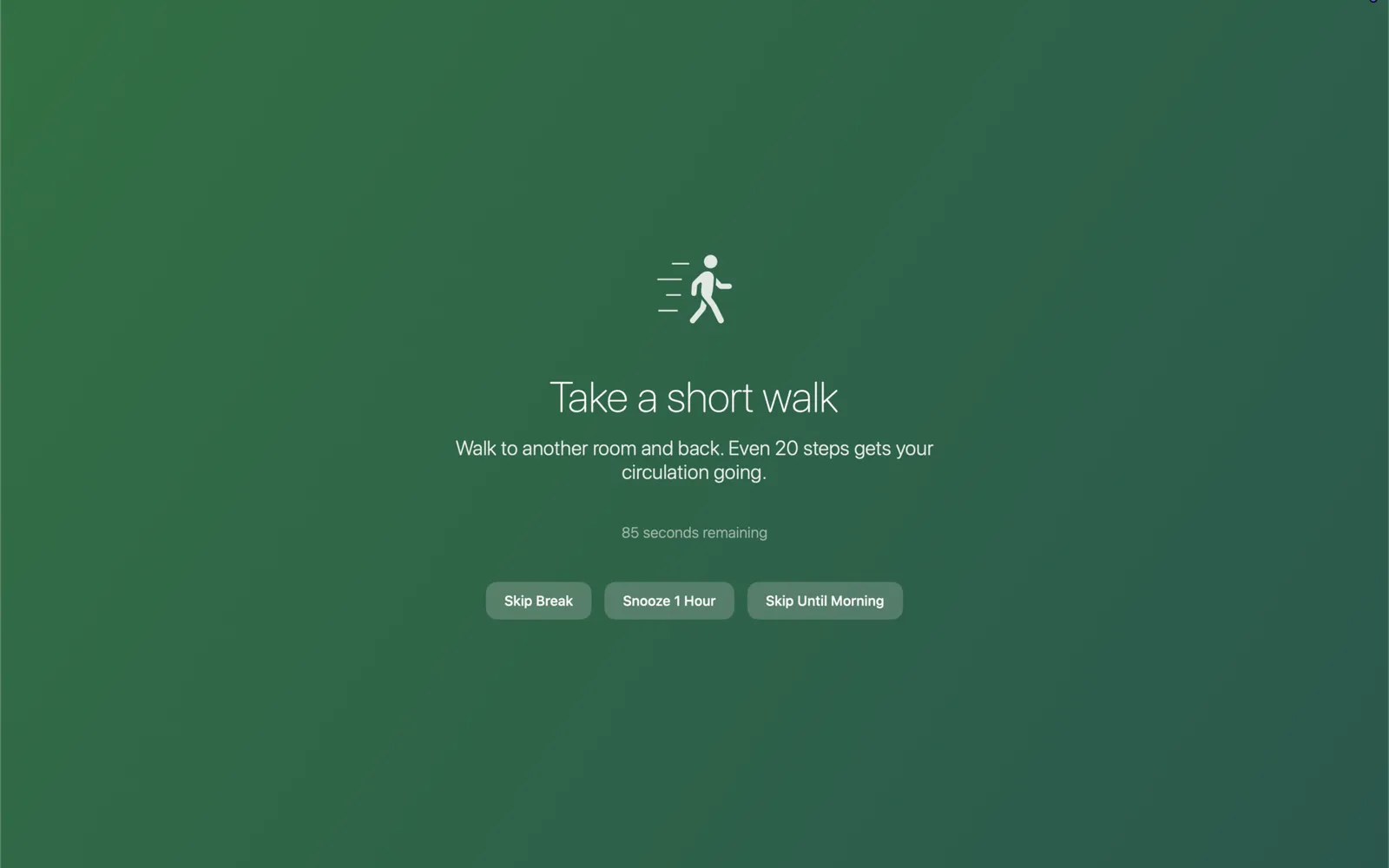
A soft animated overlay appears when it's time to look away. Rotates through calm, encouraging messages to make the break feel like a moment, not an interruption.
Everything you need. Nothing you don't.
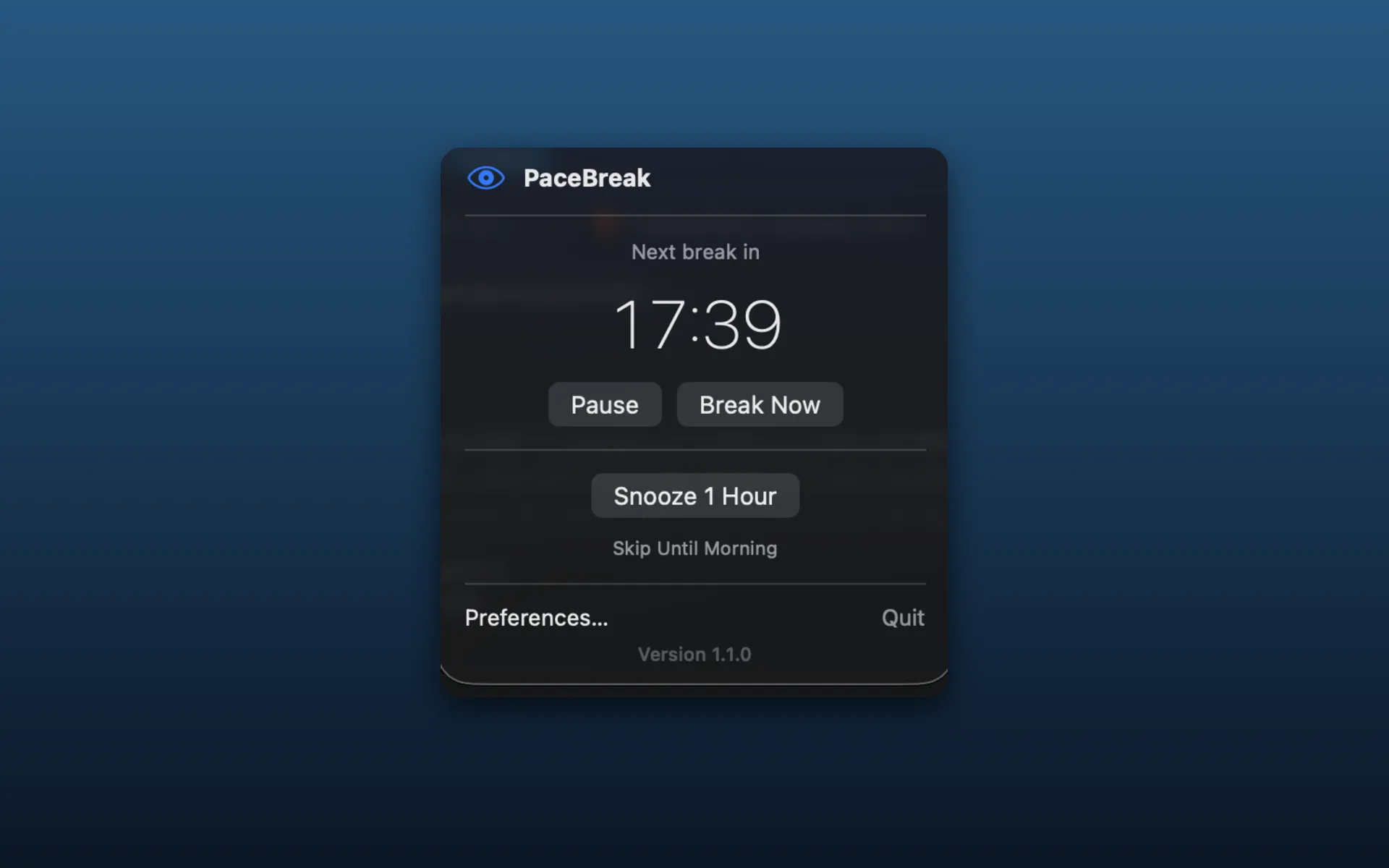
Lives in your menu bar
A minimal live timer sits quietly in your menu bar. Pause, snooze for an hour, or skip until morning, all in one click.
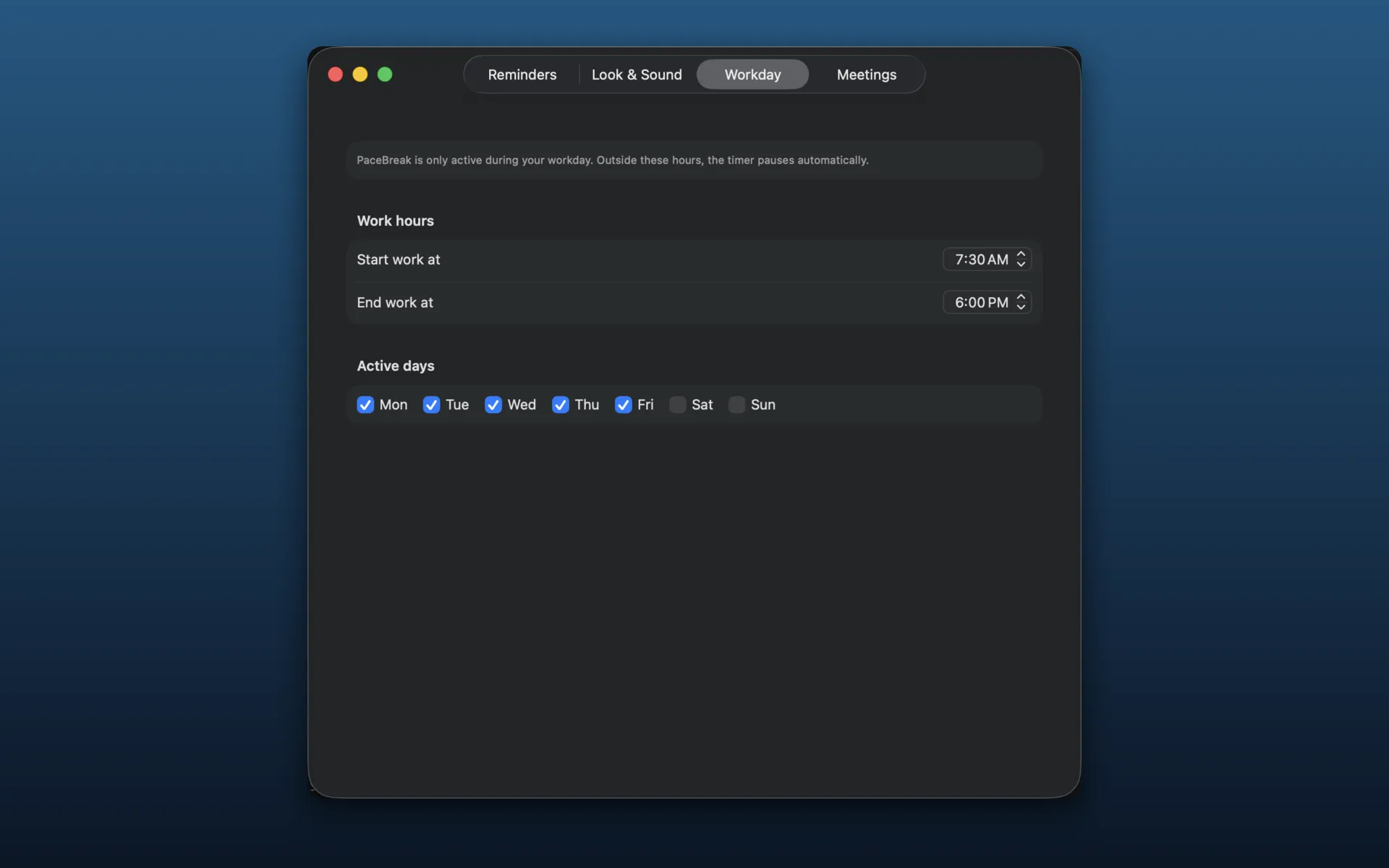
Respects your schedule
Set your working hours and days. PaceBreak only runs when you're actually at work, and goes silent on evenings and weekends.
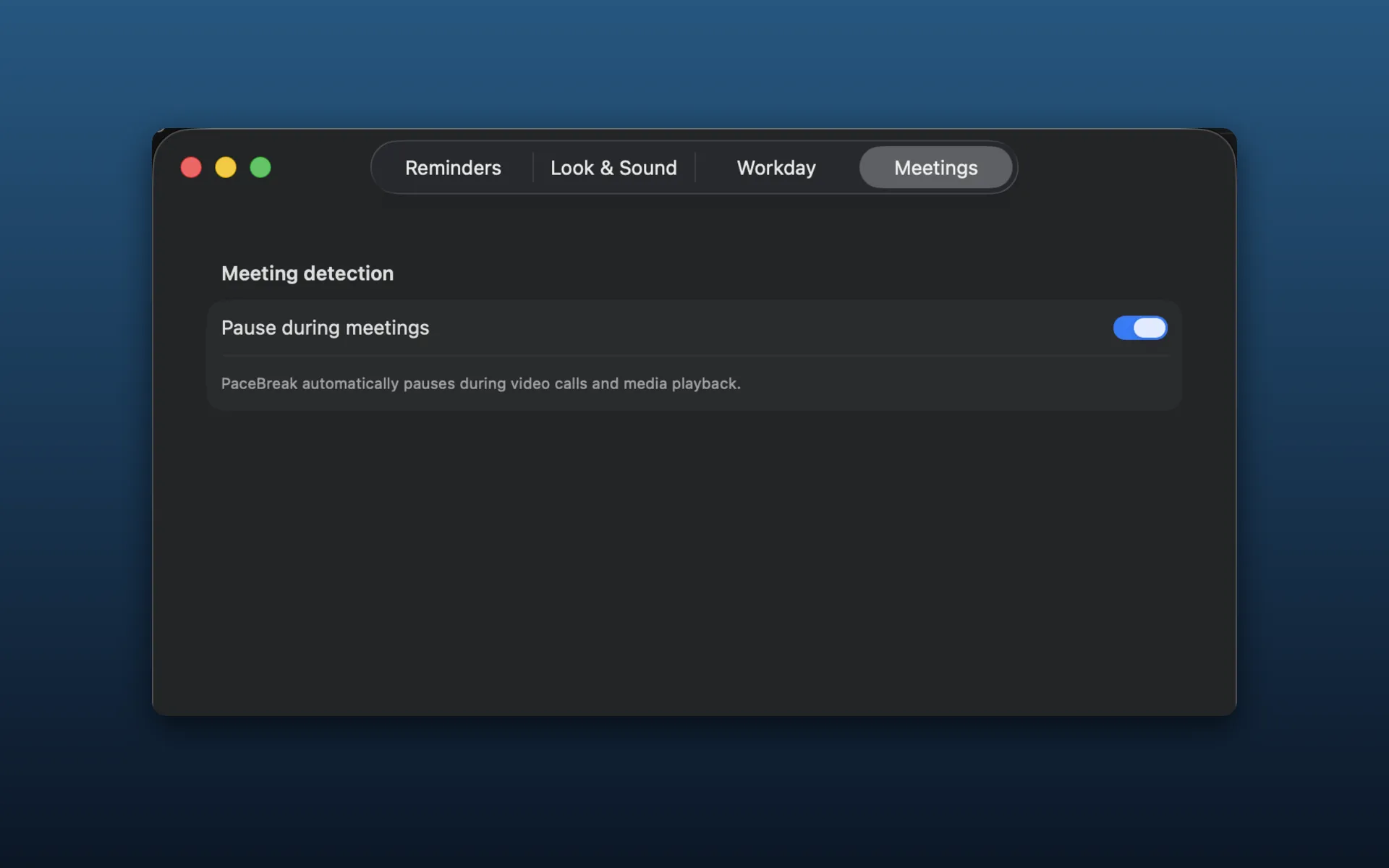
Pauses when you're busy
PaceBreak detects when you're in a video call or watching a video, and automatically pauses. It works with any app, like Zoom, Teams, or Meet, so you're never interrupted when you're presenting or on camera.
Up and running in 60 seconds.
- 1
Download and install the DMG
- 2
PaceBreak appears in your menu bar
- 3
Every 20 minutes, a gentle overlay reminds you
- 4
20 seconds later , back to work, eyes refreshed
One price. Yours forever.
one-time purchase
- 14-day free trial, no credit card required
- One-time payment, no subscription, ever
- Privacy-first: no tracking
- macOS 14 Sonoma or later
- Free updates included
No credit card required to try.
Questions
Do I need to create an account?
No. After purchase, you receive a short license code you enter directly in the app. That's it, no account, no login.
What macOS version is required?
PaceBreak requires macOS 14 Sonoma or later.
Is there a subscription?
$12.99 once and PaceBreak is yours forever. Future updates are included at no extra cost.
Does it work during video calls?
Yes. PaceBreak automatically detects any active video call and pauses, so you're never interrupted at the wrong moment. It also pauses during media playback, and works with whatever app you use, like Zoom, Teams, or Meet.
Is it available on the Mac App Store?
PaceBreak is distributed directly as a signed App. This lets it use macOS features, like detecting active video calls, that aren't available to sandboxed App Store apps.
Ready to protect your eyes?
14-day free trial. No credit card required.
Also available on Setapp14-day free trial · No subscription · macOS 14 Sonoma+